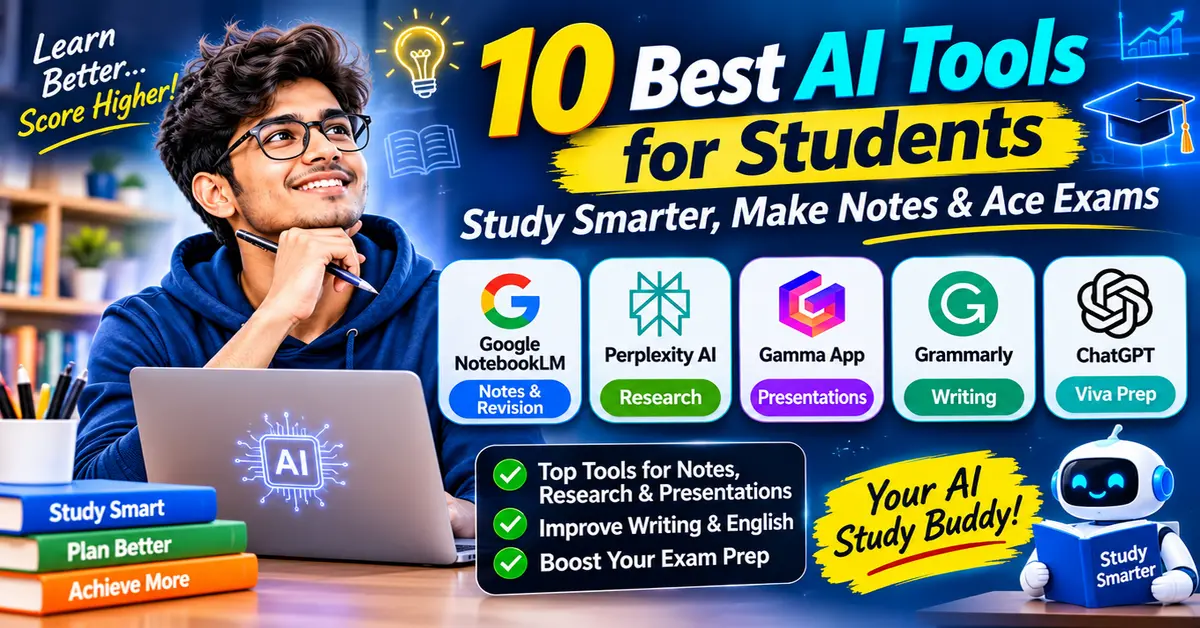
You do not need to rely on a single chatbot for all your college work. The best approach is to use a set of dedicated tools designed for specific tasks:
- Best for Notes & Syllabus Revision: Google NotebookLM (Free — analyses your own uploaded PDFs with zero outside hallucinations).
- Best for Academic Research: Perplexity AI (Free tier available — gives real-time web citations from peer-reviewed papers and authoritative sources).
- Best for Making Presentations: Gamma App (Generous free credit tier — creates clean, formatted slide decks in minutes).
- Best for Writing & Editing: Grammarly and QuillBot (Free tiers — checks grammar, clarity, and phrasing).
- Best for Spoken English & Viva Prep: ChatGPT Voice (Free on mobile — works as a conversational partner for mock interviews and oral exams).
- Ground your AI in your syllabus: General chatbots can make up false facts. Tools like NotebookLM base their answers only on your uploaded textbooks, notes, and lecture slides.
- Never submit raw AI text: Indian universities follow academic integrity rules set by the University Grants Commission (UGC). Submitting AI-generated text can lead to plagiarism penalties or leave you unprepared for oral vivas.
- Use AI as a personal tutor, not a ghostwriter: Ask AI tools to test your memory, challenge your assumptions, and break down complex formulas using the Feynman Technique.
- Make the most of free plans: You do not need costly monthly subscriptions. Free tiers cover all core college needs without requiring an international credit or debit card.
Comparison of the Best AI Tools for Students
| Tool Name | Primary Academic Use Case | Best Feature for Students | Free Plan Details | Link |
|---|---|---|---|---|
| Google NotebookLM | Notes, Textbook Summaries & Revision | 100% source-grounded answers with citations | Completely free with a standard Google account | Visit NotebookLM |
| Perplexity AI | Academic & Fact-Checked Research | Numbered inline citations linking to original web papers | Robust free tier with standard search; Pro upgrade optional | Visit Perplexity |
| Gamma App | Seminar & Project Presentations | Instant slide deck generation with editable design cards | Free starter credits (400 credits upon sign-up) | Visit Gamma |
| Grammarly | Assignment & Email Proofreading | Real-time sentence structure, punctuation, and tone checks | Free plan covers essential grammar, spelling, and tone | Visit Grammarly |
| QuillBot | Phrasing & Academic Vocabulary | Sentence rephrasing, summariser, and citation generator | Free access with character limits on basic paraphrase modes | Visit QuillBot |
| ChatGPT | Conceptual Explanations & Viva Prep | Voice mode on mobile for real-time oral question drills | Free tier with access to standard GPT models | Visit ChatGPT |
| Canva Magic Design | Project Posters, Infographics & Slides | Drag-and-drop graphic design with AI template generation | Free tier available; free Canva Pro for verified students. | Visit Canva |
| Duolingo | English Grammar & Vocabulary Building | Gamified bite-sized lessons for conversational confidence | Ad-supported free tier with unlimited basic learning | Link unavailable |
Taking notes during busy college terms often turns into mindless copying. These tools turn passive reading into active, searchable knowledge bases.
1. Google NotebookLM: The Ultimate Note-Taking Study Partner
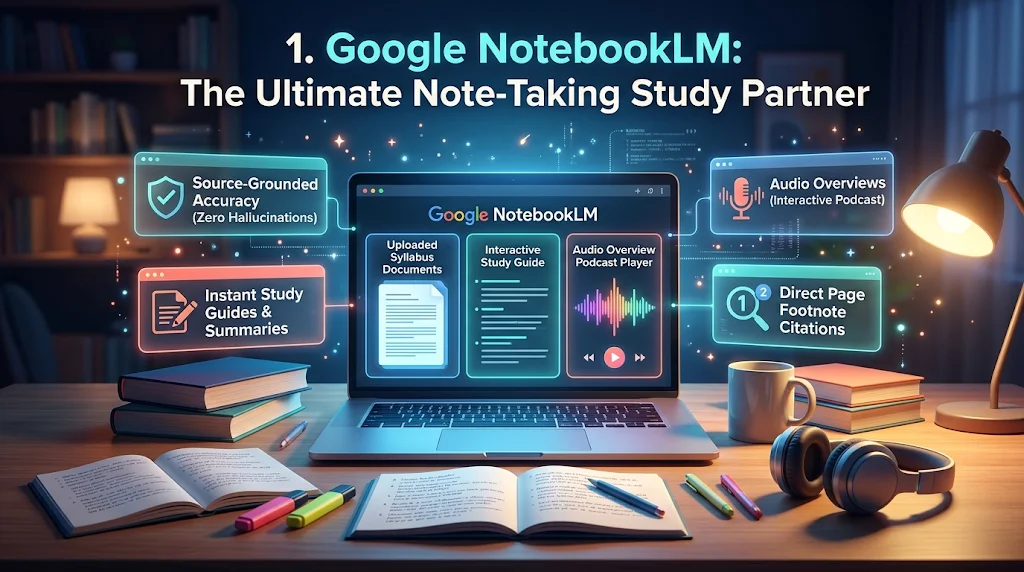
Unlike standard AI chatbots that pull information from the entire web, Google NotebookLM is a personalised AI notebook. It works only on the study material you upload.
- How it helps students: You can upload up to 50 sources per notebook. This includes NCERT PDFs, university reference books, lecture slides, and handwritten notes exported as PDFs. NotebookLM indexes your material and answers questions using only those pages.
- Source-Level Citations: Every summary bullet or answer includes a clickable number badge. Clicking it highlights the exact paragraph in your uploaded textbook, which prevents false information.
- Audio Overview: Converts your uploaded study materials into an engaging, two-host audio discussion (podcast style). You can use it to revise your syllabus while travelling on the bus or metro.
- Cost: 100% free with any standard Google account.
2. Perplexity AI: Academic Research with Verified Citations

When you research topics for term papers, engineering project reviews, or competitive exam general studies, regular search engines show ads and generic blog posts. Perplexity AI works as an AI search engine that writes clear answers backed by primary sources.
- How it helps students: It searches academic repositories, government portals, and established news archives. It shows numbered footnotes for every claim so you can verify facts directly.
- Academic Focus Mode: You can set the search filter to “Academic.” This restricts your search results strictly to peer-reviewed research papers and scientific journals.
- Cost: The free tier offers unlimited standard searches.
3. Notion AI: Centralised Study Database & Revision Hub
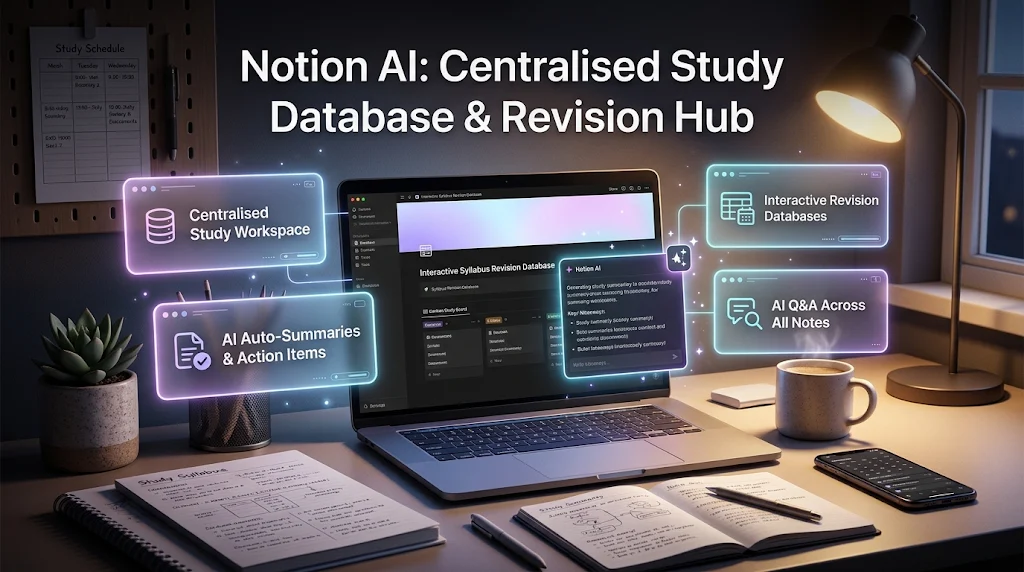
For students managing multiple subjects, project deadlines, and revision timetables, Notion acts as an all-in-one digital workspace. Its built-in AI assistant helps organise rough class notes into clean study templates.
- How it helps students: Converts rough class lecture scribbles into structured tables, creates to-do action lists, and sets up summary toggle lists for active recall revision.
- Cost: Notion offers a free Personal plan for everyone. Students with a valid college or institutional domain email (.edu or university email) can get a free Plus plan upgrade.
College seminars, internal assessments, and project vivas require clean, visual slides. Spending hours adjusting margins and aligning bullet points wastes time that you should spend studying the topic.
1. Gamma App: Professional Slide Decks in Minutes

Gamma App is an AI presentation builder that replaces static PowerPoint slides with interactive visual documents and modern slide formats.
- How it works: Type your topic, paste your project abstract, or upload a rough outline document. Gamma creates a structured 8-to-10 slide presentation with headings, formatted card layouts, statistics callouts, and relevant royalty-free images.
- Customisation: You can edit any element on the page, change the tone from academic to professional, swap layouts with a click, and export the deck directly to PowerPoint (.pptx) or PDF.
- Cost: Gives you 400 free credits when you sign up, which is enough to make several complete presentations at no cost.
2. Canva Magic Design: Creative Presentations & Project Posters
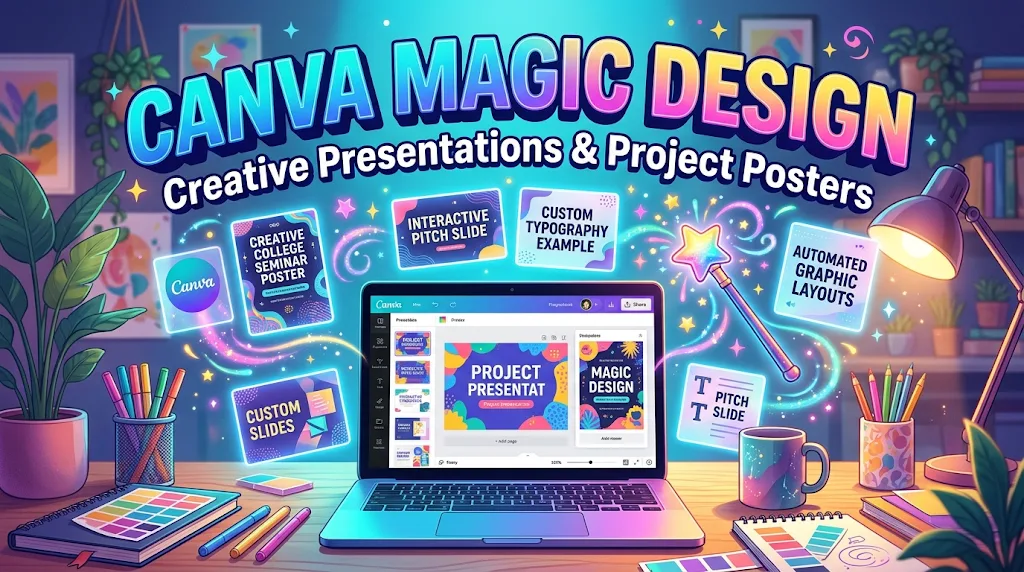
While Gamma focuses on quick text-to-slide layouts, Canva remains the top choice for custom visual design, departmental event posters, and design-heavy college presentations.
- AI Presentation Features: Its Magic Design feature lets you type a topic (such as “Renewable Energy Transition in India 2030”). It then creates custom templates with matching colour palettes, fonts, and graphics.
- Cost: Generous free tier. Students whose educational institutions subscribe to Canva for Education receive complimentary access to premium design resources.
Writing an academic paper, an internship Statement of Purpose (SOP), or a project synopsis requires clear sentences, logical flow, and a formal tone.
1. Grammarly: Essential Grammar, Punctuation, and Syntax Correction

Grammarly is a writing assistant that works inside web browsers, Microsoft Word, and Google Docs.
- How it helps students: Rather than writing sentences for you, Grammarly points out misplaced commas, incorrect subject-verb agreements, passive voice overuse, and unclear phrasing. It helps you fix mistakes before submitting term papers or emailing professors.
- Pricing: The complimentary tier includes checks for spelling, grammar, and conciseness.
2. QuillBot: Sentence Rephrasing & Vocabulary Refinement

QuillBot is widely used by students who want to refine awkward phrasing and improve sentence variety in assignments.
- How to use it productively: If a sentence sounds repetitive or informal, QuillBot’s “Standard” and “Fluency” modes suggest alternative sentence structures while keeping your original meaning intact.
- Built-in Citation Generator: Formats references in APA, MLA, or Chicago styles, helping you keep your bibliography organised.
- Caution: Do not use paraphrasing tools to disguise copied text from other sources. Use it strictly to polish sentences you have written yourself.
- Cost: The free plan includes a 125-word limit per paste, a summariser, and citation tools.
3. Claude: In-Depth Conceptual Critiques & Structural Outlines
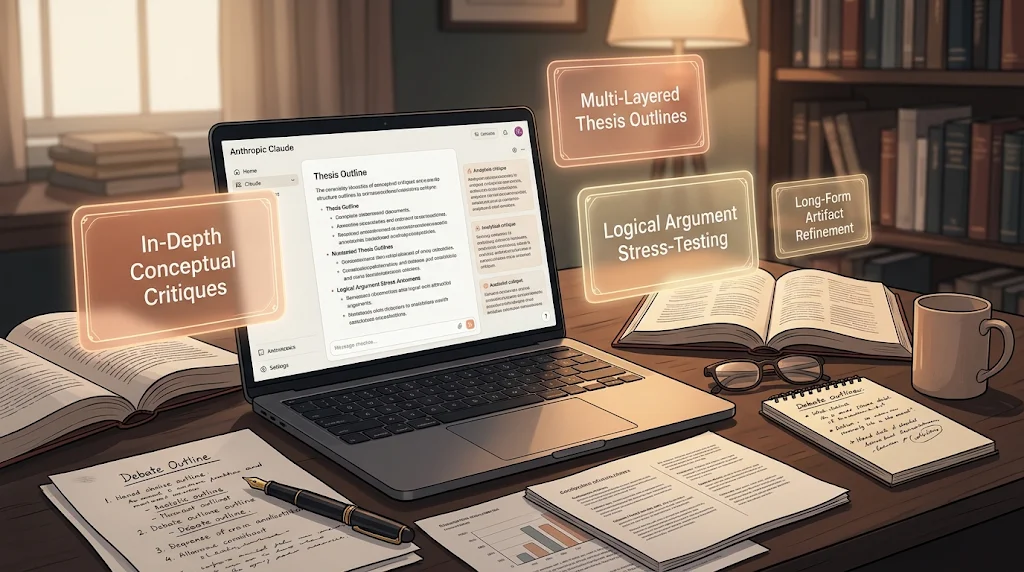
Developed by Anthropic, Claude is known for producing clear, natural, and logical text, and it can process large documents at once.
- How it helps students: Instead of asking Claude to write your essay, paste your own draft and use this prompt:
“Please review my draft on the Economic Reforms of 1991. Identify logical gaps in my argument, highlight weak supporting evidence, and suggest three areas where my analysis needs deeper academic explanation. Do not rewrite the essay for me.”
- Cost: Free tier available with daily message limits.
Many bright students understand technical concepts thoroughly but feel nervous speaking in English during seminar presentations, viva voce examinations, or campus placement interviews.
1. ChatGPT Voice Mode: The Zero-Judgment Mock Interviewer
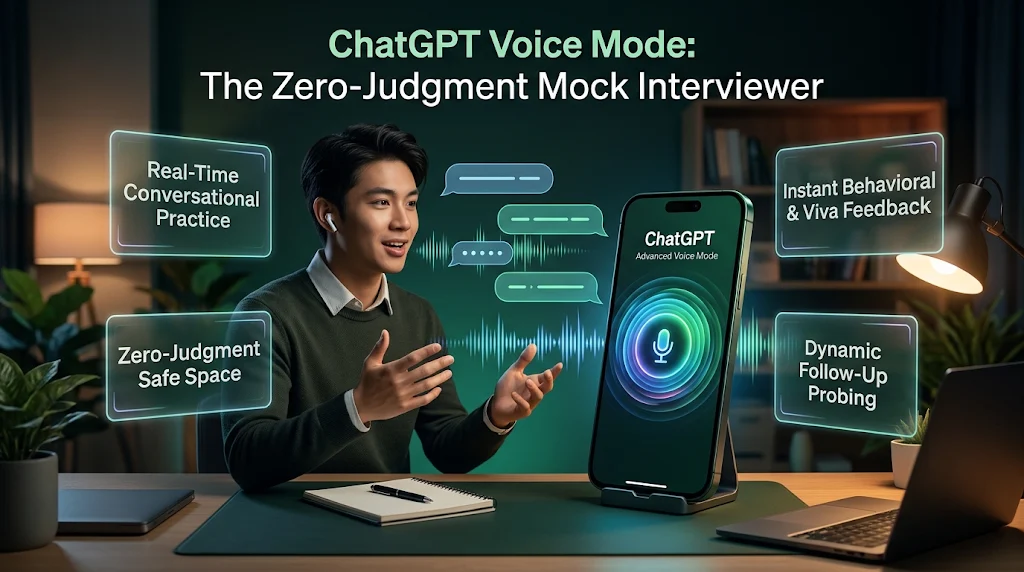
The official ChatGPT mobile app (available on Android and iOS) includes a real-time conversational voice feature on its free tier.
- Interactive Viva Simulation: You can ask ChatGPT to act as an external examiner or corporate recruiter. It will ask you questions out loud, listen to your spoken answers, and give feedback on your pronunciation, clarity, and grammar.
- Example Prompt: “Act as an academic examiner conducting a viva on Database Management Systems (DBMS). Ask me five challenging conceptual questions one by one. Listen to my spoken answer, tell me if my explanation was clear and accurate, and give me tips on how to articulate it more professionally.”
2. Duolingo & ELSA Speak: Building Daily Grammar & Pronunciation

- Duolingo: Ideal for school students and beginners who want to build vocabulary, understand tense rules, and practise basic sentence structure through five-minute daily lessons.
- ELSA Speak: Uses dedicated speech-recognition AI to evaluate English pronunciation, intonation, and stress patterns, helping you speak clearly and confidently.
Using AI simply to answer homework questions leads to passive learning and exam anxiety. Here is how to use AI tools as personal study partners for deep understanding and long-term retention.
Step 1: The AI Feynman Technique for Difficult Concepts
The Feynman Technique states that if you cannot explain a concept in simple terms, you have not truly mastered it. Use AI as a sounding board:
- Study a tough topic from your textbook (such as Quantum Tunneling or The Doctrine of Basic Structure).
- Open your AI tool and enter this prompt:
“I want to test my understanding of [Topic]. I will explain it to you in my own words as if you were a class 10 student. Read my explanation, point out any technical inaccuracies or omitted steps, and ask me two probing follow-up questions to test my depth of knowledge.” - Type or speak your explanation.
- Review the AI’s feedback to spot your weak areas.
Step 2: Automated Active Recall & Flashcard Drills
Rereading highlighted textbook pages creates a false sense of confidence. Active recall—forcing your brain to remember information without looking—builds stronger memory.
- In NotebookLM: Upload your chapter PDF, click “Generate Study Guide”, and request a list of short-answer revision questions.
- In ChatGPT / Claude: Paste your lecture notes and use this prompt:
“Generate 10 conceptual multiple-choice and short-answer questions based strictly on these notes. Do not provide the answers immediately. Present them to me one at a time, wait for my response, and explain whether I was correct and why.”
Step 3: Rapid Revision & Formula Breakdown
When preparing for semester exams or competitive tests:
- Ask AI to create comparative summary tables (such as comparing Mitosis vs. Meiosis, or Key Differences between Keynesian and Classical Economic Models).
- Ask for step-by-step mathematical derivations where the AI pauses at each step to explain why a specific algebraic substitution was made.
As AI becomes common in student routines, universities and exam boards have set strict rules against academic dishonesty.
RESPONSIBLE AI STUDY SPECTRUM
✓ PERMITTED & ENCOURAGED
- Brainstorming project topics
- Clarifying confusing concepts
- Creating practice test questions
- Checking your self-written grammar
- Summarising long reference papers
✕ UNETHICAL & RISKY
- Copy-pasting AI text into assignments
- Generating fake bibliographies/citations
- Letting AI solve exam or take-home tests
- Submitting unverified data or statistics
- Bypassing Turnitin/DrillBit detection
Across Indian higher education, the University Grants Commission’s Regulations on Academic Integrity and Plagiarism Prevention set rigorous standards for original scholarship.
- Turnitin & DrillBit Detection: Most Indian colleges and central universities run seminar papers, dissertations, and project reports through plagiarism software equipped with AI-text detection.
- The Risk of AI Fabrications: Standard AI models frequently invent citations, naming journal volumes or authors that do not exist. Submitting an assignment with fake citations is treated as academic fraud.
The Viva Voce Reality Check
Regardless of how polished a project report looks on paper, Indian universities rely heavily on external vivas and practical laboratory evaluations. If you used AI to ghostwrite your code, economic analysis, or engineering design without understanding the basics, you will struggle when the external examiner asks questions.
Rule of Thumb: Never include a sentence, formula, or code block in your submission that you cannot explain on a blackboard in front of your professor.
Copy and adapt these proven prompts to turn your AI assistant into an academic tutor:
1. Conceptual Simplification Prompt
“Explain the concept of [Topic, e.g., Convolutional Neural Networks / The Law of Diminishing Marginal Utility] at three distinct levels of complexity: first to a 12-year-old using a real-world analogy, then to a college undergraduate with technical terminology, and finally as an executive summary highlighting its practical engineering/economic applications.”
2. Exam Readiness & Blind-Spot Identifier Prompt
“Here is the official syllabus for my upcoming examination on [Subject]: [Paste Syllabus Unit]. Act as an experienced university professor. What are the 5 most frequently tested high-weightage concepts in this syllabus, and what common conceptual errors do students make when answering 10-mark questions on these topics?”
3. Code & Math Troubleshooting Prompt
“Here is my attempted solution/code for this problem: [Paste Code/Math Steps]. My output is incorrect. Do not give me the full corrected solution immediately. Instead, examine my logic step-by-step, identify the exact line or mathematical operation where my logic broke down, and explain the underlying principle I misunderstood.”
Are there completely free AI tools for students that do not require a credit card?
Yes. Google NotebookLM, standard ChatGPT, Claude, Perplexity AI, and Canva provide solid free plans that only require a standard Google account sign-in. None of these free plans require an international credit card or debit card verification.
Can college professors in India detect if an assignment was written by AI?
Yes. Most Indian universities and colleges use plagiarism detection software such as Turnitin, DrillBit, or Urkund/Ouriginal. These platforms check writing style and sentence patterns to flag machine-generated text. More importantly, professors can test your knowledge directly by asking you questions during an oral viva.
Which AI tool is best for summarising large textbook PDFs?
Google NotebookLM stands out as an exceptional tool for summarizing PDF documents. It lets you upload multi-page documents (including full NCERT textbooks or university study modules) and restricts its answers strictly to your uploaded text. Every summary includes clickable source citations linking directly to the original paragraphs.
How can I make a PowerPoint presentation using AI for free?
You can use Gamma App (gamma.app). By entering your presentation topic or pasting a short project synopsis, Gamma builds a structured 8-to-10 slide presentation with modern layouts in under two minutes. You can edit the content directly and export the finished file as a PowerPoint (.pptx) or PDF document.
Is using ChatGPT for college homework considered cheating?
Using ChatGPT to understand difficult concepts, brainstorm project topics, outline an argument, or fix grammar mistakes is completely acceptable. However, having ChatGPT write your essay, solve graded take-home tests, or generate code that you copy-paste without understanding or proper citation violates academic integrity rules.
Read This Also:
Best Skills to Learn for Future Careers: Top 5 In-Demand Courses
1 thought on “10 Best AI Tools for Students : Study Smarter, Make Notes & Ace Exams”